Formlabs Fuse 1+ 30W: Small SLS Printer, Massive Impact
⚓ p3d 📅 2026-01-16 👤 surdeus 👁️ 26

Disclosure: With Formlabs permission I was able to sell my 4L and use that to help with the purchase of the Fuse 1+ and Fuse Sift. Aside from allowing me the opportunity to sell the 4L, I have not received any compensation, all opinions expressed are my own, and Formlabs has had no influence on the content of this review. At this time, I do not have the Fuse Blast system, and so am not reviewing that particular piece of tech. All tests were done with default settings on Formlabs standard PA12. Featured Image Courtesy of Formlabs.
Safety precaution: SLS printing utilizes ultra fine polymer powders. The inhalation of these powders can cause adverse respiratory effects. PLEASE wear proper PPE and follow all manufacturer instructions for the environment and use of the printer.
Unboxing
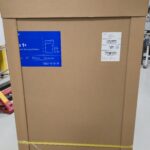
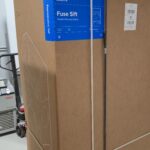
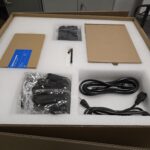
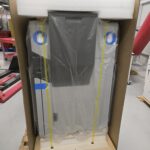
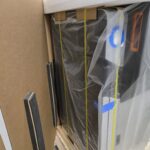
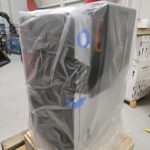
The Fuse and the Sift come on their own pallets. This is by far the largest printer that I have personally received. Much like the 4L I reviewed last year, the Fuse 1+ and Sift came packed extremely well! Again I am greeted with some of the best packaging I have seen. Every single part of the printer is cradled more than adequately. Formlabs has made the unboxing very simple and quick.
Assembly/Build Quality
Just like the 4L, this is an extremely robust printer. Everything is thick sheet metal, wrapped around a thick frame, and a lot of insulation. The Fuse 1+ is very sturdy and has a build quality that rivals and even exceeds many other SLS printers, even those 10 times the cost of the Fuse!
First Print and Impressions
Formlabs makes the user experience something special. With no knowledge, you can easily get fully functional SLS parts out of the Fuse 1+ with little to no effort. Of course, all the advanced print settings are available for custom tuning, but the true magic of Formlabs is the quality of the provided profiles for their materials. It’s almost a 100% guarantee for success.
Hardware and Specs
Formlabs provides a full technical data sheet for the Fuse 1+. Here, you can see a complete comparison of both Fuse 1 and Fuse 1+. The 1+ which I have has a 30w ytterbium fiber laser. Both Fuses have a 165x165x300mm build volume. Both can reach a staggering 200°C internal temperature using quartz heating tubes and other heaters in the build chamber. Both have a recommended powder refresh rate between 30 and 50%. Both weigh over 100kg without the build unit or powder. There is also a 10″ touchscreen and internal camera on both.
Software and UI
The Fuse 1+ uses a custom firmware and the proprietary Preform slicer. An intuitive and simple UI on the Fuse 1+ makes using the printer every day straightforward and easy. Preform is known for its ease of use and powerful feature set. Similarly, Formlabs is known for its constant improvement of Preform and feature additions. Since I last covered Preform, several major updates have taken place, with monumental leaps in quality improvements.
Test Prints and Performance
Time-lapses and Camera
The Fuse 1+ comes with a built-in camera, used for showing the current print on the home screen, AI failure detection, and timelapses. It’s not a typical practice to get to these timelapses, as the images are recorded for the failure detection. There is an image taken before and after every layer.
Print Examples
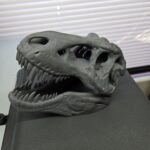
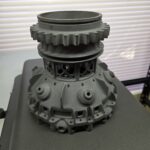
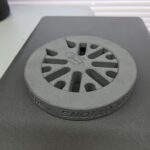
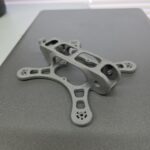
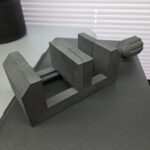
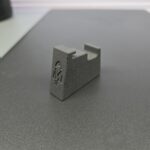
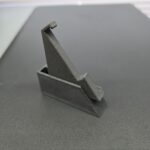
Actual Print Speed
The Fuse 1+ is fast. With recent updates increasing the efficiency of the laser sintering pathing, I have not been able to create a build that took longer than 18 hours. I have created full volume builds with over 1,000 parts in them and still have only reached 17 hours and 55 minutes. Of course, this doesn’t include the cool-down time outside of the machine, but even with that factored in, you can have full build volume parts from start to finish in less than 24 hours easily.
Actual Material Capabilities
Out of the box, you’re limited to the powders that Formlabs offers. However, you can 100% create custom profiles, or even buy open material mode, which allows you to have total control over the Fuse’s ecosystem of settings. I do not have this mode enabled on my Fuse 1+. With that being said, as long as your powder can be softened in the 200°C chamber and can absorb the fiber laser’s energy, you are likely able to print it. I wouldn’t go quite so far as to say it can print PEEK powder, but specialty Nylons, filled Nylons, TPUs, and even metals are completely fine in the Fuse. For metal printing on the Fuse 1+, you are looking at a cold metal fusion process like the one specified here from CADmoremetal.
Along with many materials being offered, the actual parts that you can print in the Fuse 1+ are incredible. Most SLS printers generally prefer thinner walls, more uniform in volume parts; not dissimilar to injection molding, but with more geometric flexibility. In general, SLS doesn’t produce the best quality with super thick, large volume areas. With the Fuse 1+, that is not the case. With a 165x165x300mm print volume, I am able to create parts that are 150mm+ thick that have spanned the near 300mm height. The ability to print such thick parts taking up over 50% of the build volume shows us that the Fuse 1+ has excellent thermal control over the build chamber, something that even the larger SLS printers struggle with. This is especially true for technologies like HP’s MJF, which is much more sensitive to thicker parts. I can frequently print 100% solid parts on the Fuse 1+ for which I would have to hollow and create a gyroid infill on other SLS machines.
I do want to note that the super thick parts are only as good as they are if you let the build cool in the Fuse 1+ and not in the Fuse Sift. The removable build chamber has relatively thin walls, leaving little insulation to help keep the heat in. My only gripe with this machine is that the build chamber wasn’t wrapped in something like fiberglass or rock-wool insulation. But I have only had one part warp in PA12 because of this, so it is not common.
Speed vs Quality
As I mentioned before, you can customize the speed of your Fuse 1+. There are a litany of settings available to do this. You can change the layer height from the default 0.110mm up to 0.200mm. You can also increase the laser scan spacing/speed. Of course, this will change the quality and final properties of your parts. The Fuse 1+ has a great speed to quality ratio. As previously mentioned, the longest builds I can come up with, even at work, are less than 18 hours. This allows you to run a full build in less than a day, and leave the chamber in the Fuse 1+ for an extra couple of hours, allowing it to cool more slowly than when the chamber is taken out right after completion. The 0.110mm layer height is an amazing middle ground for quality and speed. It is still possible to see the layer lines up close, but it doesn’t take as long to print.
Noise Level
With only a galvo system moving and some cooling fans, the Fuse 1+ isn’t my quietest printer, but for the quality, speed, and capabilities it offers, it’s actually extremely quiet. Uniquely, I can compare this to the industrial machines I have at my day job, and confidently say that the Fuse is impressively quiet and 100% drowned out by the other SLS systems out there. The Fuse 1+ averaged 69db and peaks at 72db when homing the build chamber before starting a print.
Reliability and Maintenance
This is where I can share a lot of interesting data. The Fuse 1+ is one of the most reliable printers I have come across! I have put hundreds of hours on my personal Fuse 1+, and thousands of hours on other Fuse 1+ systems. With all that time and proper cleaning/preventative maintenance, there has been zero parts replaced, zero down time, and zero quality issues. These machines have performed at an elite level of 24/7 production across some very inconsistent parts with no issues. Formlabs stocks replacement parts when they are needed, and are quick to get them into the hands of anyone who needs them. I can confidently say that even compared to industrial SLS printers like 3D Systems, Formlabs’ reliability, consistency, and quality far surpass the competition!
With the Fuse 1+, Formlabs recommends a powder refresh rate of at least 30%. This means that the powder used in every build is 30% fresh unused powder, and the remaining 70% is recycled from what isn’t used on previous builds. I have increased this percentage because the Fuse can absolutely handle much denser builds. I frequently run builds that are over 75% dense. That means out of all total volume in the Fuse, I have over 75% of it filled with parts.
Cost and Value
At roughly 1/10th the cost of the industrial competition, the Fuse 1+ is an absolute steal, costing less than $25,000 for the printer and less than $55,000 for the entire ecosystem! Yes, the build volume isn’t as large as some, but in my experience, 90% of all parts that are SLS printed can fit in the Fuse 1+ easily. With thousands of consistent hours and hundreds of days printing various parts, the Fuse 1+ is the pinnacle value SLS 3D printer.
Production Cost on the Fuse 1+
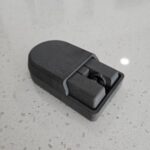
The below part is one I designed for my dad’s business, Wright Consulting. This is specifically designed to be 3D printed on an SLS machine, but it could also be done using FDM with soluble supports, or on a resin printer like the 4L, but it will need supports removed and heavily post-processed. All prices are quoted using MakerPrice, my new all-in-one app that makers and users of automated technologies can use to quote their work.
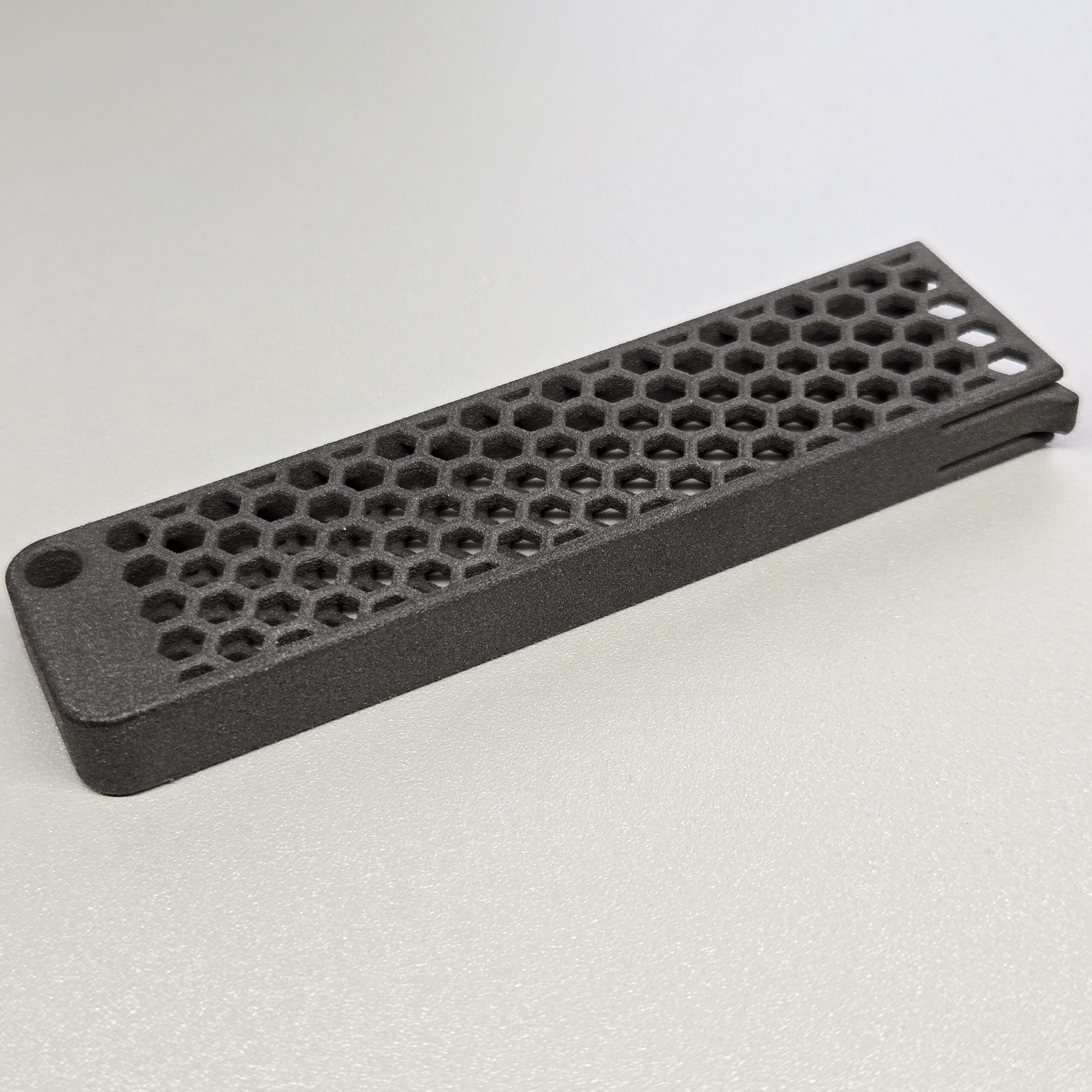
The M.2 Case used for this test.
I can fit over 120 of these parts in one SLS build. It takes roughly 16 hours to print, leaving the other 8 hours for proper cool-down. This leads to a perfect production cycle, where every 24 hours I can have 120 of these cases. At a production cost of <$2 per part, paired with its complexity, the Fuse has enabled affordable production of the cases. No other system could compete with the process, quality, speed, or price. The Fuse allows for mid- to high-volume production of ~50,000+ parts per year.
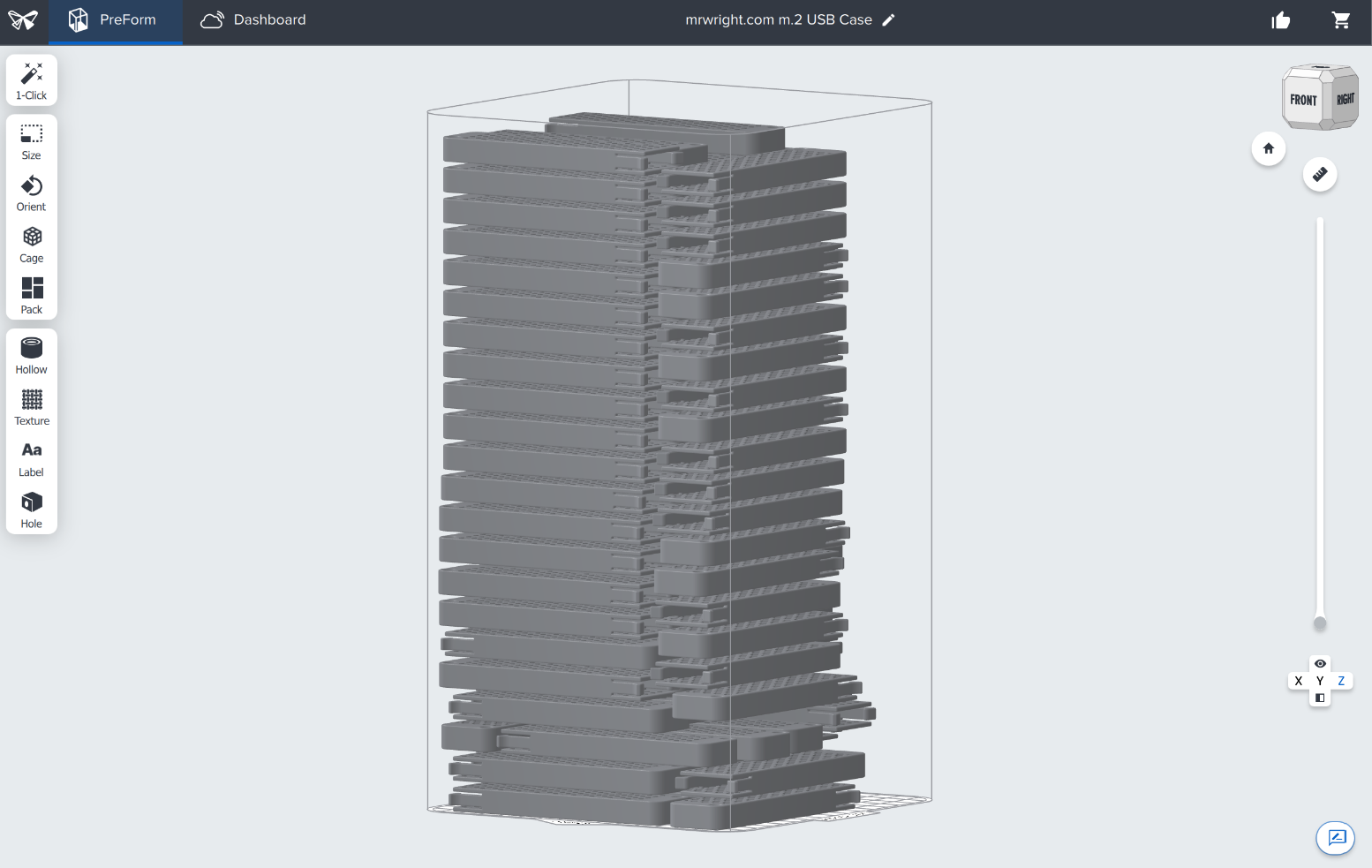
Over 120 parts in the same build!
Comparison:
All materials are relatively comparable in desired properties.
FDM (PA6-CF):
Cost per part: $1.11
Pros: Quick for prototyping and validation, colorful, cheap
Cons: Weaker, slow, low volume
SLA (Formlabs Tough 2000):
Cost per part: $3.95
Pros: Accurate, strong, fast
Cons: Post-Processing, low HDT, low volume
SLS PA12:
Cost per part: $1.15
Pros: Strong, high HDT
Cons: Expensive startup, powder processing
So, who is this for?
I don’t think this printer is typically for the home user or even enthusiast. There is a steep price to pay to get everything working exactly how it should and to maximize the capability of your Fuse 1+. This is for anyone, or any business, like me and mine. If you’re looking to reinvest in your company’s capabilities, have strict prototyping needs, or want more accurate and durable parts than what you’re already printing with FDM and SLA, the Fuse 1+ is for you. From garage startups to large corporations looking to expand capabilities, this is a top tier choice. My company Titan3D is a prime example. I’ve spent years in the additive manufacturing industry, and now with the help of the Fuse 1+, it’s finally possible to get high quality, end-use parts that are more durable, accurate, and stronger than FDM offers, without paying massive premiums that come from the companies that house these industrial SLS printers.
Pros
- Small footprint
- 110v single-phase power requirement
- Support-free printing
- Powder recycling at up to 70% recycled powder
- <24 hour prints in most cases
- Quality
- Reliability
- Sound volume
- Ease of use
- Part Armor
Cons
- Small build volume
- Powder process is inherently messy
- Powder safety, gloves, masks, filtration, ESD explosion-proof vacuums, etc. are needed
- Starting to feel a bit dated when comparing to upcoming machines like Raise3d RMS2200
- Build chamber lacking insulation
Summary
The Formlabs Fuse 1+ SLS printer, paired with the Fuse Sift, offers exceptional build quality, easy unboxing, and beginner-friendly operation, delivering reliable, high-quality PA12 parts using default settings. It features a 165×165×300mm build volume, 30W laser, 200°C chamber, intuitive PreForm software, built-in camera with AI failure detection, and fast prints under 18 hours—even for dense, full-volume builds. Outstanding thermal control enables thick, solid parts, with up to 70% powder recycling, quiet operation (69–72dB), and near-perfect reliability across thousands of hours. Priced under $25,000 (full ecosystem ~$55,000), it provides unbeatable value—about 1/10th the cost of industrial SLS systems—enabling mid- to high-volume production (e.g., 120 complex parts in 24 hours at ~$1.15 each) with superior strength and durability over FDM or SLA. Drawbacks include a smaller build volume, messy powder handling requiring PPE, and thin build chamber walls that benefit from in-printer cooling. Ideal for businesses and professionals seeking durable end-use parts without massive investment, the Fuse 1+ excels in ease, consistency, and performance.
🏷️ p3d_feed